
How to Search Cases by Name
When you know a party name but not the case number, the county's civil or criminal name form is your tool. It offers All Courts, State Court, Magistrate Court, and Superior Court. A last name is required. The first name is optional. It can be either an initial or a full name. Pick a specific court when you can. A narrow result is far easier to verify than a long county-wide list.
- Open the civil or criminal name search from the official County Court Search landing page.
- Select All Courts, State Court, Magistrate Court, or Superior Court.
- Enter the last name, up to 70 characters, and add the first name, up to 20 characters, if useful.
- Submit the search and compare Type, Name, Opposing Party or Offense, Filing Date, Court, Judge, and Case Number / Status.
- Open the case number and read Case Summary, Case Parties, and Docket Activity before treating the row as a match.
Common names can pull up several parties. To pick the right one, compare court, filing date, case type, opposing party, offense, and judge. Never copy a birth year or other private identifier from a live result. The name search may stay too broad. In that case, tighten it with the court filter or ask for the case number.
Clayton County Case Search Fields
The county portal splits its search into separate name and case-number forms. The name form includes an All Courts option. The number form forces a specific choice among State, Magistrate, or Superior Court. Both forms carry Submit and Reset controls. Either can throw a validation message before any database result appears.
| Form | Field | Required or format | Options or notes |
|---|---|---|---|
| Name | Select Court | Required | All Courts, State Court, Magistrate Court, Superior Court |
| Name | Last Name | Required, maximum 70 characters | Placeholder “last”; blank input produces an error |
| Name | First Name | Optional, maximum 20 characters | First initial or full first name |
| Number | Year | Required, four digits | Example field value 2004 |
| Number | Type | Required, two characters | Example field value CV |
| Number | Sequence | Required, up to five digits | Example field value 03272 |
| Number | Division | Optional, two characters | Examples include LW and 07 |
Each message has its own meaning. "Please Select a Court" flags an incomplete selector. "Please enter a last name" flags the required name field left blank. "Incomplete Case Number" flags missing number segments. None of these messages answers the separate question of exclusion. The case may be excluded, too new, sealed, or held by another court.
The official county landing page lays out the four search routes. It also posts its excluded-case warning. The Clayton County Court Search landing page is the public starting point.
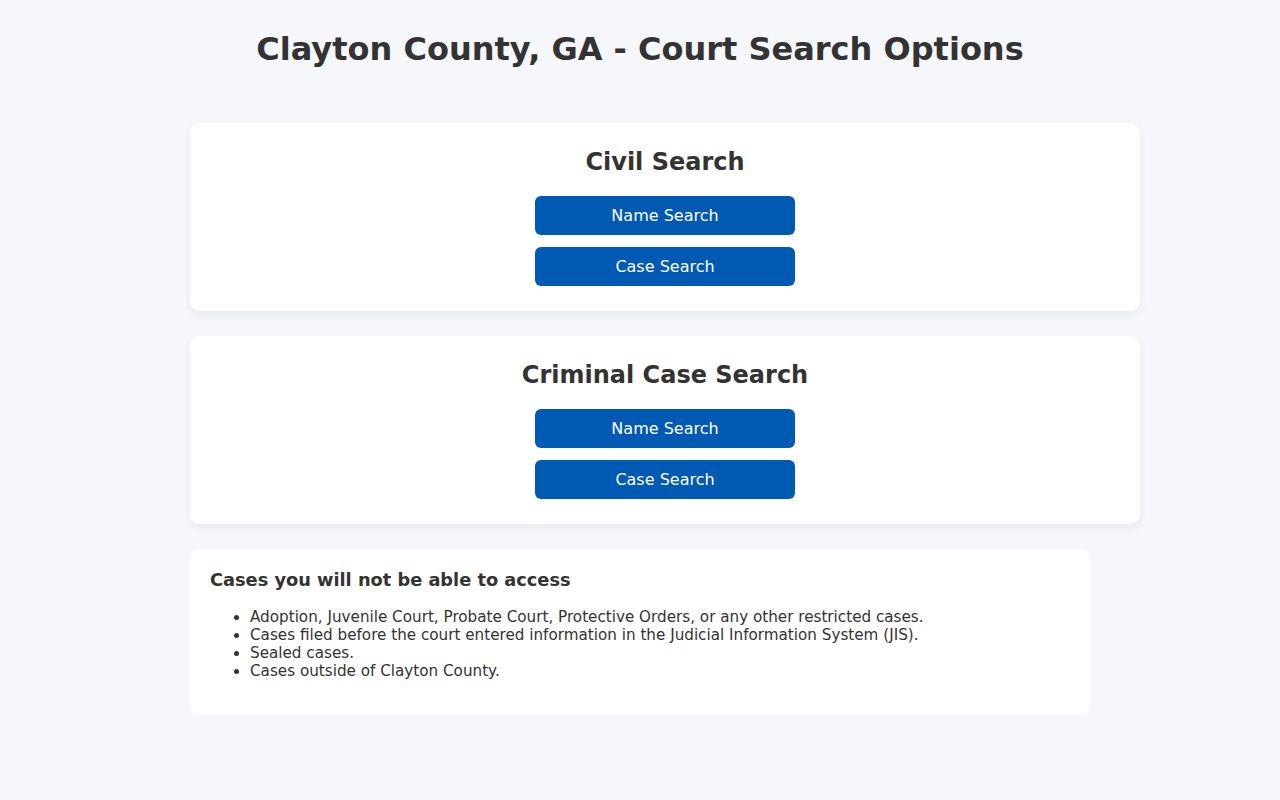
That landing page earns a close read, because it spells out what the free county lookup leaves out.
Clayton County All-Court Search Rule
All Courts sits on the name form only. The case-number form lacks it. That gap can cause a false search failure. So use All Courts to find a civil or criminal row whenever jurisdiction is uncertain. Once you hold a case number, move to the number form. Choose State, Magistrate, or Superior Court there. City Municipal, Probate, Juvenile, and federal matters sit outside that three-choice number route.
The portal abbreviates court labels in some results. Mag, Sta, and Sup point to Magistrate, State, and Superior. Expand them while checking the case. A city vendor number, Probate estate number, or federal case number should never be forced into the county's segmented fields. Confirm with the proper custodian first.
Search tip: Use All Courts for a name search when the court is unknown. Use a specific court for a case-number search, and treat a missing row as a routing or access question until the clerk confirms otherwise.
The county's own examples show the format: 2004 CV 03272 LW or 2005 CS 00052 07. Keep every segment intact, including any leading zero in the sequence.
How to Search by Case Number
A known case number is often the cleanest lookup. Choose the civil or criminal number route, select the exact court, and enter Year, Type, Sequence, and the optional Division in their own fields. Clayton's public help examples are 2004 CV 03272 LW and 2005 CS 00052 07. The type is two characters. The sequence runs up to five numeric characters. The division may be two characters or another segment shown on the notice.
Hit Submit only once every required field is filled. Use Reset to clear a prior name search. When a number fails, check the court, type, sequence, and division, and consider whether the case is too new or outside the public inquiry. A clerk can also say whether the number really belongs to a city system, Probate, Juvenile, or federal court.
This route is not a statewide search. It is a county tool that depends on the court choice and the county's own data entry.
Clayton County Case Number Validation
A segmented number can fail for two very different reasons. The form may reject an incomplete Year, Type, Sequence, or Division entry, or a fully completed search may return no public row because the court choice, timing, exclusion, or custodian is wrong. Keep those questions separate when you read the result.
Check each segment against the notice, including leading zeroes and the optional division. If a complete number still will not resolve, ask the clerk whether it belongs to a city system, Probate, Juvenile, federal court, a restricted file, or an entry still inside the county's publication window. A validation message is not a final records determination.
What a Case Search Shows
Clayton's public detail view is built around three pieces. These are Case Summary, Case Parties or List of Parties and Attorneys, and Docket Activity. Basic information can include the case number, assigned judge, filing date, status, disposition date, and disposition. The action table varies by court and case type. Its labels can include several terms. Calendar, Image Document, Case Filing, Answer, Service, Event Outcome, Final Case Disp, Sentence, or Order filed.
| Case Summary | Basic case information, including number, judge, filing date, status, and disposition fields when present. |
|---|---|
| Parties and attorneys | Party name, party type, opposing party in civil records, and attorney fields. |
| Case type or offense | Civil result rows show case type; criminal result rows show offense. |
| Docket Activity | Action date, docket action, description, and some image or calendar links. |
| Calendar | A setting row that may show date, time, room, judge, and calendar type. |
| Status | A summary label that must be read with the chronological activity list. |
A Clayton County result stamped Disposed tells you the file closed, nothing more. It does not say how the end came. A dismissal, plea, order, judgment, or some other event could all sit behind that one stamp. An Image Document row might open a scan. Yet a certified copy still has to come from the clerk. Treat the public search as a way to locate a file. It is not a promise of a complete document set.
Clayton County Case Detail Links
Click the case number in the result table to open the detail page. Start with the newest Docket Activity rows. Open the Calendar or Image Document links when the system offers them. A calendar link can show a time and room. An image link can show a filed scan. Neither one loosens the access rules for sealed or restricted material. Keep the case number and court noted on anything you download or print.
The detail route leans on county codes and status terms. A criminal row might read many codes. FOD, FOP, NPS, DIS, DDJ, GPN, GNN, GRP, NOL or NOLO, or DPS912. Check the county's own definitions. A code alone never tells you the full result.
- Case Inquiry
- The county search and detail product.
- Case Summary
- The detail header for basic case information.
- Docket Activity
- The chronological public action register.
- Calendar
- A setting row or calendar result connected to a hearing date.
- Image Document
- A possible scan link, not a promise of certification.
When a link is missing, expired, or stopped by a verification step, write down the action label. Then ask the clerk for the lawful copy route. Never fill the gap with a third-party record source.
County vs Statewide Case Search
Georgia offers no single free statewide index that replaces Clayton County Court Search. What the state has instead is the Georgia Courts E-Access page. That page is a directory of participating providers. For Clayton Superior and State records, that directory points to Tyler's re:SearchGA provider. The provider may demand a session or account. It is not the county's free CGI. And Tyler eFileGA is a filing engine, not a free public case lookup.
| Channel | Best use | What it is not |
|---|---|---|
| Clayton County Court Search | Free public civil or criminal summary and Docket Activity | Not a filing engine or universal court index |
| Georgia Courts E-Access | Official directory of court-provider routes | Not one statewide free search form |
| Tyler re:SearchGA | Provider route linked for participating Clayton Superior and State access | Not the county’s CGI and may require provider access |
| Tyler eFileGA | Account-based civil and criminal electronic filing | Not a public docket display |
| PACER | Federal case and docket access | Not a Georgia state-court search |
For county cases, use the county route first. Turn to the official state directory when you need a participating provider or another Georgia court. Use eFileGA for filing, and switch to PACER only for federal matters.
Clayton County Provider Search
Tyler re:SearchGA sits as a statewide layer over participating court systems. It does not offer a free public form that replaces the county fields. That gap matters. You can reach the provider through the Georgia Courts directory. Still, the county Case Inquiry remains the fastest public search by name or number. Its image assignment leads to the official Tyler destination. Read that as a provider route, not a promise. Every Clayton document or field may not appear there. The official Tyler re:SearchGA provider is the statewide destination Georgia Courts links to.
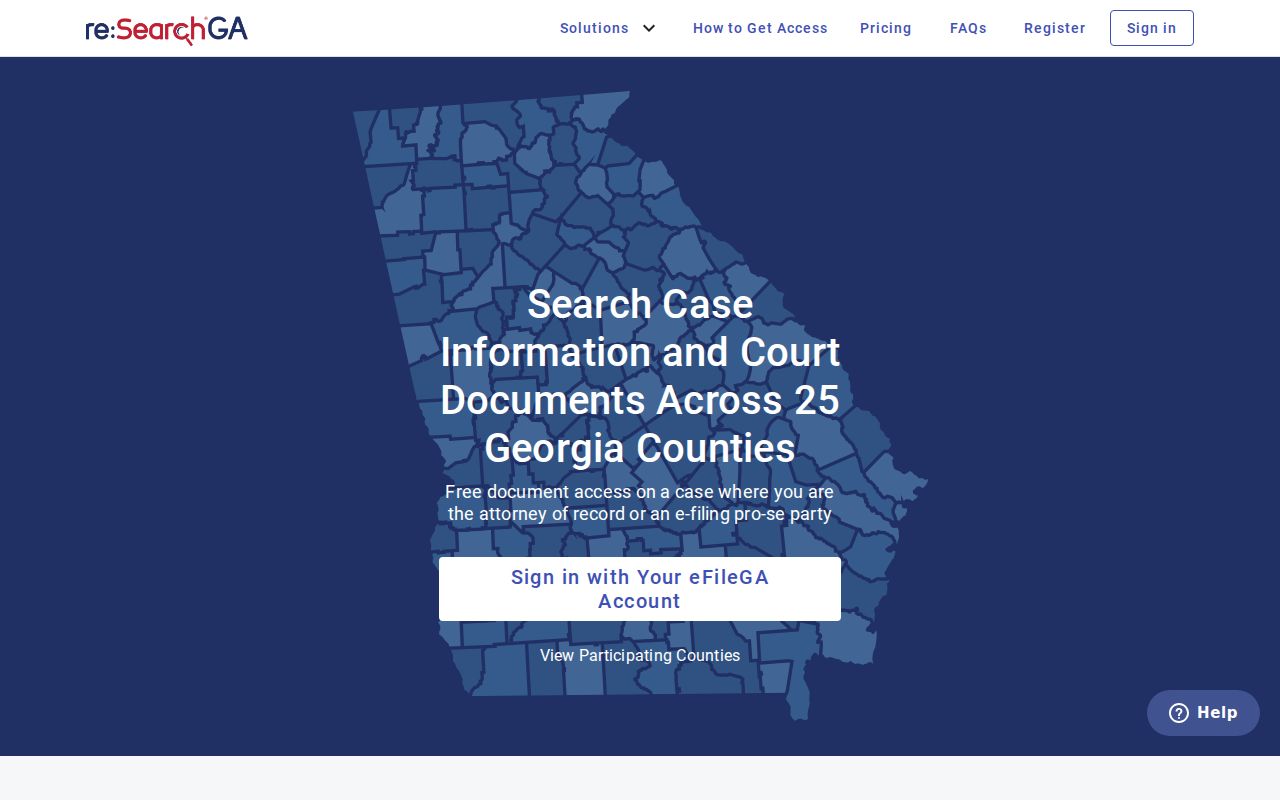
For the local name and segmented-number fields, the county CGI remains the direct public route.
Clayton County Case Search Timing
Clerk material says case entries can take up to 72 hours to show up. So a filing receipt, an e-filing account view, or a clerk transaction may arrive first. The public row can lag behind them. Check again after the stated window. Confirm the court and case number. Call the custodian if the record is still absent. The 72-hour caveat is no promise that every record will appear. The public inquiry excludes or limits adoption, Juvenile, Probate, protective-order, sealed, pre-JIS, and out-of-county cases. A city Municipal Court can keep its own record. Older paper or microfilm files may also need the clerk or archives.
Odyssey eFileGA belongs in the timing story. It is the filing engine that feeds covered court records. It does not make the public inquiry instant or complete. The official Odyssey eFileGA route is the filing and account destination.
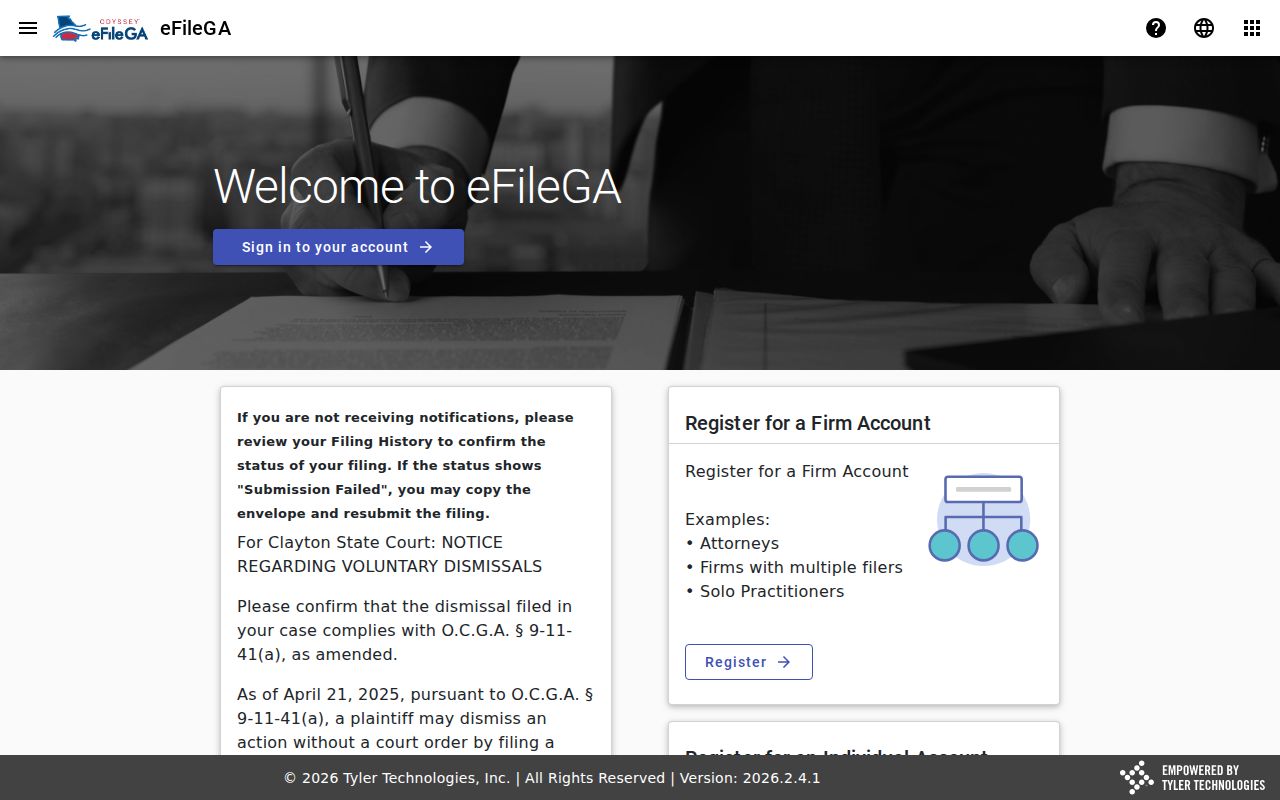
A filing account and a public case summary answer different questions.
Restricted Cases and Access Rules
The County Court Search landing page carries a warning. Adoption, Juvenile, Probate, protective-order, sealed, pre-JIS, and some out-of-county matters may not appear. Read a blank result as "not available in this public inquiry." That is all it means. Ask the specialized custodian about the lawful route. A general request must never be used to bypass a sealing order or Juvenile confidentiality.
Access boundaries:
Uniform Superior Court Rules 21 and 21.1 through 21.6 address public court records, restriction procedure, and protected identifiers.
O.C.G.A. 15-11-708 and 15-11-709 limit public access to Juvenile information; JDEX is an authorized route, not a public replacement.
O.C.G.A. 35-3-37 governs certain criminal-history restrictions and is separate from the county docket index.
Probate estate searches run through Georgia Probate Records and the Probate counter. City cases belong to city calendars and payment or docket vendors, and federal cases to PACER. These are custodial distinctions, not side doors around a restriction.
Clayton County Search Fallbacks
The public county result can come back empty. When it does, match your fallback to whoever holds the record. Superior and Magistrate questions go to Chanae Q. Clemons's clerk structure. State civil, criminal, and traffic questions go to Tiki Brown's office. Probate estate records use the Probate route. Juvenile matters follow restricted-court procedure. A municipal citation stays with the issuing city unless the city directs a county transfer.
A courthouse counter can answer a different question than the online inquiry can. So can a public terminal, mail request, or phone call. GovQA is an administrative county-record route, not a way around a court custodian or restriction. Ask for the court, case number, document type, and lawful access path. A blank search is not proof that no case exists.
Clayton County Federal Case Fallback
Not every case belongs to Clayton County state court. Some matters land in federal court instead. When that happens, a county docket search will come up empty for the right reason. A Clayton Superior, State, Magistrate, or municipal search behaves the same way. Federal cases live in a separate system. Clayton County sits in the Atlanta Division of the U.S. District Court for the Northern District of Georgia. That is the court whose docket you need.
PACER is the tool for this job. Registering costs money under PACER's own pricing rules. A case index may appear even while a document sits under seal. One caution: a state-court case never becomes a PACER case. The county inquiry turning up blank does not change that.
For the nationwide federal index, use the official PACER Case Locator. The PACER site handles federal docket and document access itself. Together they mark the line between a federal index and the county's local case search for court records.
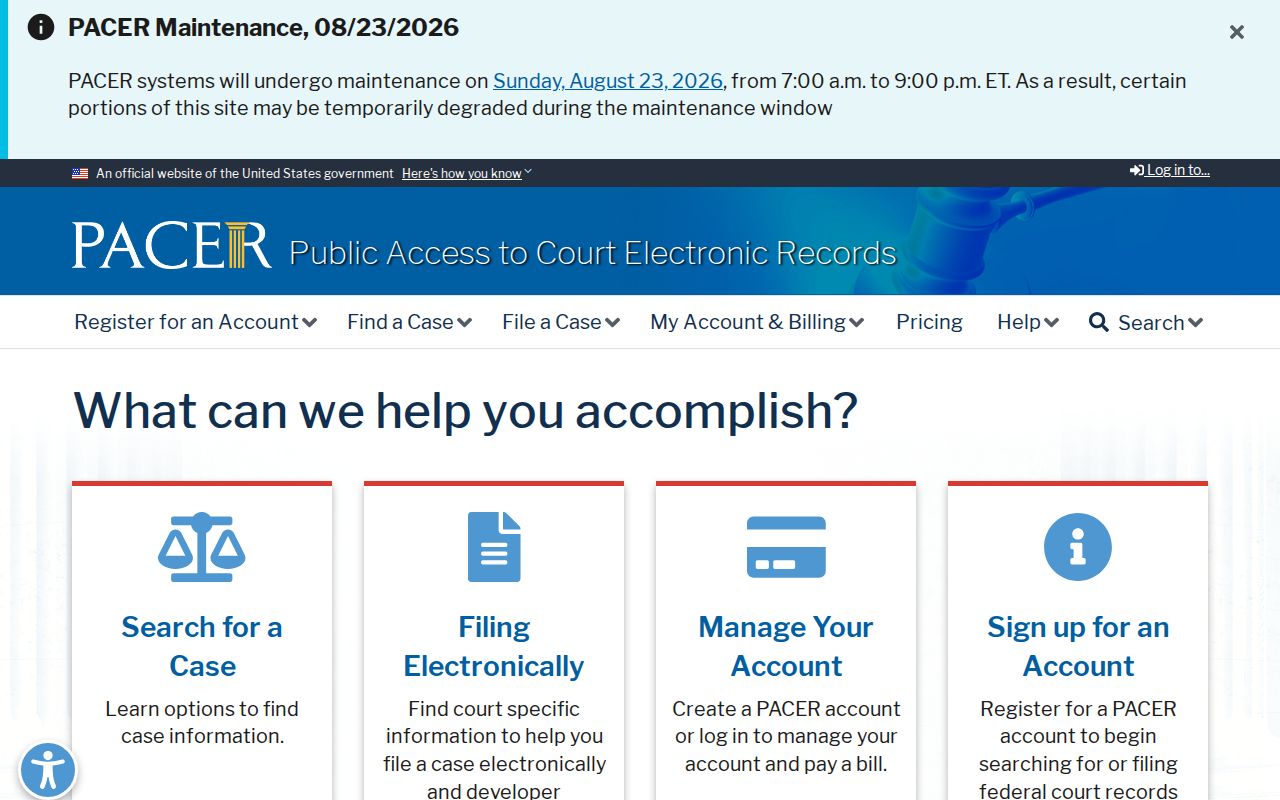
Confirm the court jurisdiction first. Only then should the federal system enter the picture.
When a local case stays missing, loop back to the county clerk, the courthouse counter, the public terminal, a mail request, or the right city or Probate office. GovQA covers administrative county records only, and it does not replace the clerk who holds the actual court file.